The late-night snacker
Mid-bite, both hands on the burger. Nowhere to hide.
The AI window-scene video maker
Turn one photo into a 12-second vertical video of the trend everyone is casting: mid-bite, the stare, the curtain. No prompt writing. No watermark.
The original clip behind the TikTok trend (via @karina.aicontent). Yours is generated from your photo.
Your turn at the window
Upload one clear photo of the person. The viral template is the scene reference — we swap your person in and make the 12-second vertical video.
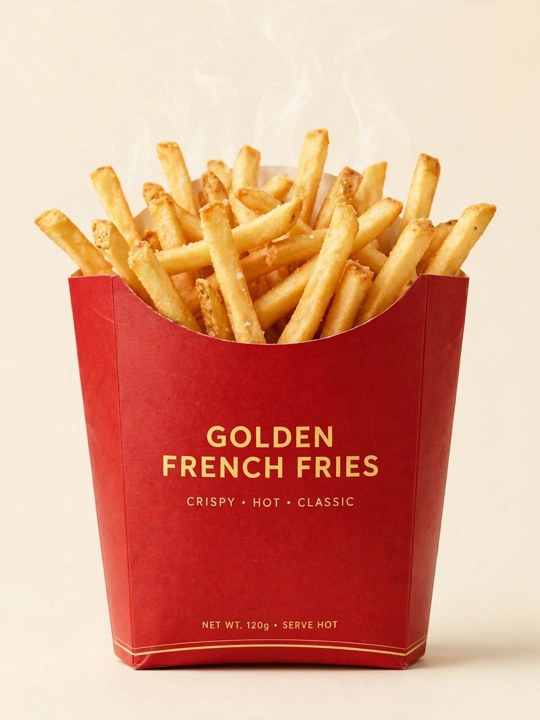
Product photo (optional — replaces the food on the table)
No free previews. You will see a confirmation and get your credits back if generation fails.
Example results
The scene in action: a photo goes in, and the 12-second window video comes out. No prompt to write, no editing — this is what 8 credits makes.
Mid-bite, both hands on the burger. Nowhere to hide.
A portrait plus a product shot — her fries land on the table, label and all.
The trend
In October 2026, a twelve-second clip format spread across TikTok: the camera glides toward the one lit window of a dark apartment block, and inside, someone sits mid-bite with a burger in both hands. They look up, realise they are being watched, freeze — and pull the curtain shut.
Caught at the Window generators turn that staging into a template. Instead of filming or editing anything, you add one photo and the scene is rebuilt around the person in it — the same four beats, the same night-window drama, a completely different star.
Read the full trend storyWho to put in
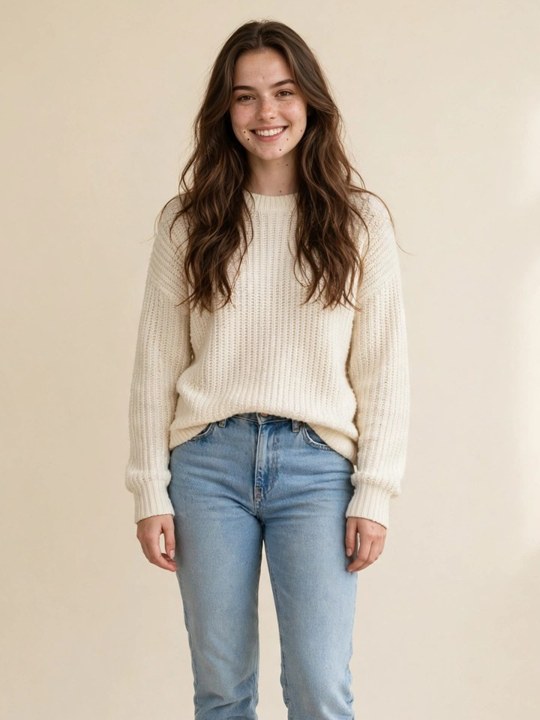
The joke lands best with an everyday star. Use your own photo, or an adult's photo with their permission.
Your own photo, in the clothes you actually wear.
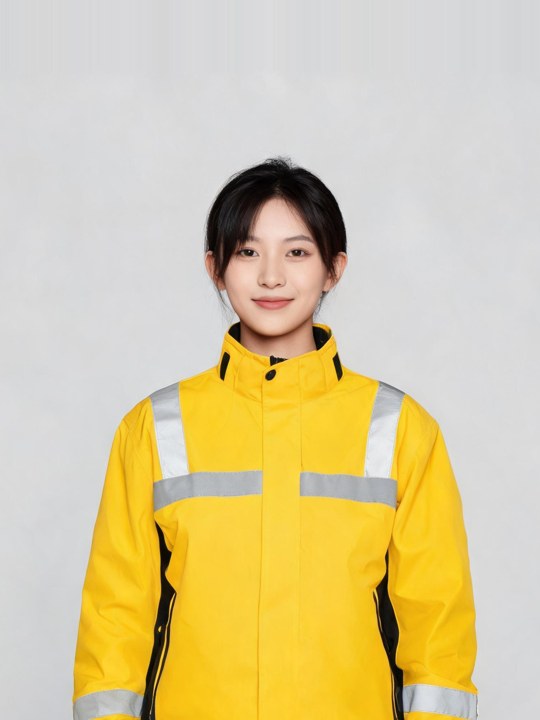
Unbothered, mid-bite, and the curtain pull is final. A family favourite, with her permission.
Turn someone you know into the star of the window.
A personalised window video beats another birthday card.
Adults only. Never upload a child's photo or a public figure's likeness.
One photo in, one window video out
Upload a clear photo, let the fixed scene prompt stage the moment, then download your video.
Start with a clear, front-facing photo of one adult.
No prompt writing. The window scene is already directed.
Get a vertical clip designed for social sharing.
What you get
Shorter edits often skip the approach. This generator keeps the complete sequence — all four beats, in one vertical 9:16 video at 720p.
The camera drifts from the street toward the one lit window of the building.
Your star sits at the small table, burger in both hands, takeaway bag beside the plate.
They notice the camera, freeze mid-bite, and give it the annoyed stare the trend is named for.
The burger goes down, the curtain pulls shut, and the warm light leaks around its edges.
The closed curtain is a natural loop point for TikTok and Reels.
Get a cleaner result with a good photo
Use a bright, unobstructed photo with one adult in frame.
Even light and an unobstructed face help the model follow your image.
The stare is the money shot; both eyes visible makes it land.
Choose clothes you would like to see throughout the generated video.
Do not upload a child’s photo or a public figure’s likeness.
Two ways to make it
You can also paste a prompt into a general AI video tool. Here is the honest difference.
Credit packs
Every video costs 8 credits. Packs are one-time purchases — no subscription, and credits never expire. Failed generations are refunded automatically.
$8.99
1 video · $8.99 per video
8 credits
$34.99
4 videos · $8.75 per video
32 credits
$89.99
11 videos · $8.18 per video
88 credits
After you download
Your video includes the template soundtrack; attach the trending Caught at the Window sound inside TikTok to join the sound page.
Mark the post as AI-generated, the way the trend's best clips do.
The video is already vertical 9:16 — no cropping or editing needed.
One photo. Twelve seconds. 8 credits.
What to know before making your video